
How to use it
- 1Open your UPI app, go to your profile or 'My QR', and copy your UPI ID exactly. It looks like name@bank.
- 2Enter the UPI ID and the name customers should see. Add a logo and pick a colour if you like.
- 3Leave the amount empty for a counter poster. Fill it in only when everyone pays the same amount, such as an entry fee.
- 4Print it, then scan the printed QR with your own phone and pay ₹1 to check that the right name appears.
UPI QR Code – a filled-in sample
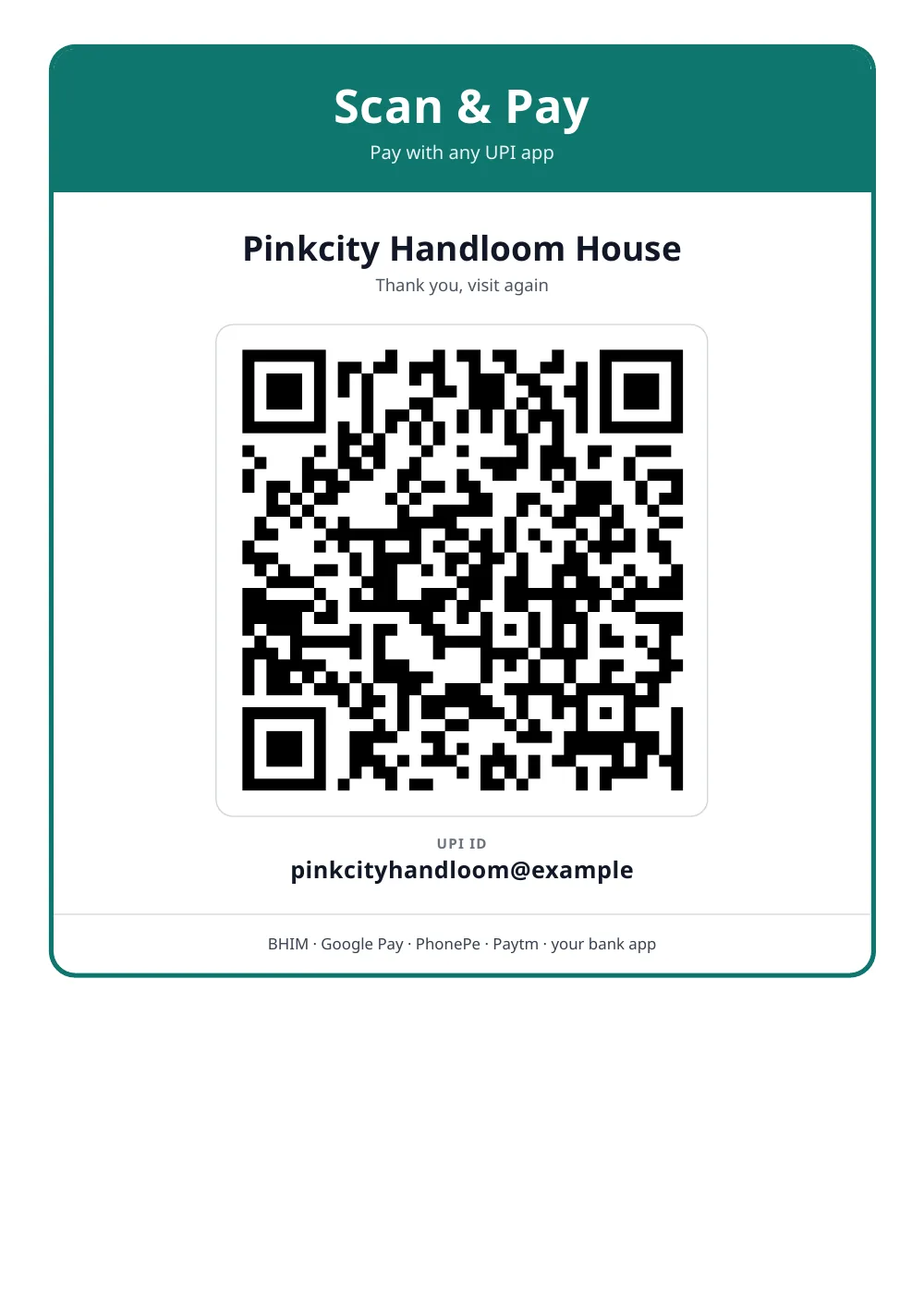
Made with the tool above from made-up details: every name and number in it is invented. Press “See a filled-in example” in the tool to open it there and download it.
Three safety rules for every shop
- You never scan a QR or enter your UPI PIN to receive money. Anyone who asks you to do that in order to “receive a payment” or “get a refund” is trying to take money from you.
- Check the poster now and then. Fraudsters have been known to paste their own QR sticker over a shop’s QR. If the name a customer sees is not yours, take the poster down.
- Confirm in your own app. Hand over the goods after you see the credit in your bank SMS or UPI app.
Where to put it
- At eye level next to the billing counter, away from glare
- Laminated, or inside an acrylic stand, so it stays flat and scannable
- The four-card layout works for restaurant tables, delivery bags and the back of a visiting card
Print at full size without “fit to page” shrinking if you can. A QR needs a clear white border around it to scan quickly.
If you change your UPI ID
A printed QR keeps pointing at the old ID. Make a new poster and remove every old copy the same day, including the ones on invoices. The GST invoice and proforma invoice formats on this site print the same kind of QR with the exact bill amount.
Questions people ask
Will this QR code work with every UPI app?
Yes. It is a standard UPI QR containing your UPI ID and name, so it opens in BHIM, Google Pay, PhonePe, Paytm and bank apps. Always test the printed copy with a ₹1 payment before you put it up.
Is it safe to generate my QR here?
The QR is built inside your browser and nothing you type is uploaded. A UPI QR only lets people pay you. Nobody can take money out of your account with it.
Should I put an amount in the QR?
For a shop counter, no: leave it empty and the customer types the amount. Use a fixed amount when every payer owes the same sum, for example a ticket, a monthly fee or a donation slab.
Is there a limit on how much customers can pay?
Limits are set by NPCI and by each bank and app. For most payments the limit is ₹1 lakh per transaction, with higher limits for some categories. A QR linked to a personal account can also have daily limits, so a busy shop should ask its bank about a merchant account.
How is this different from the QR my bank or payment app gives me?
A merchant QR from a bank or payment company comes with a merchant account, settlement reports and often a sound box. This poster is a QR for your existing UPI ID, which is ideal for small shops, freelancers, tutors and home businesses.
How do I know a customer has really paid?
Check your own bank SMS or UPI app. Do not rely on the screenshot on the customer's phone, because screenshots are easy to fake.
Can I make the poster in Hindi?
Yes. Switch Document language to हिंदी above the preview and the poster wording changes to Hindi.
Last reviewed: 18 September 2026